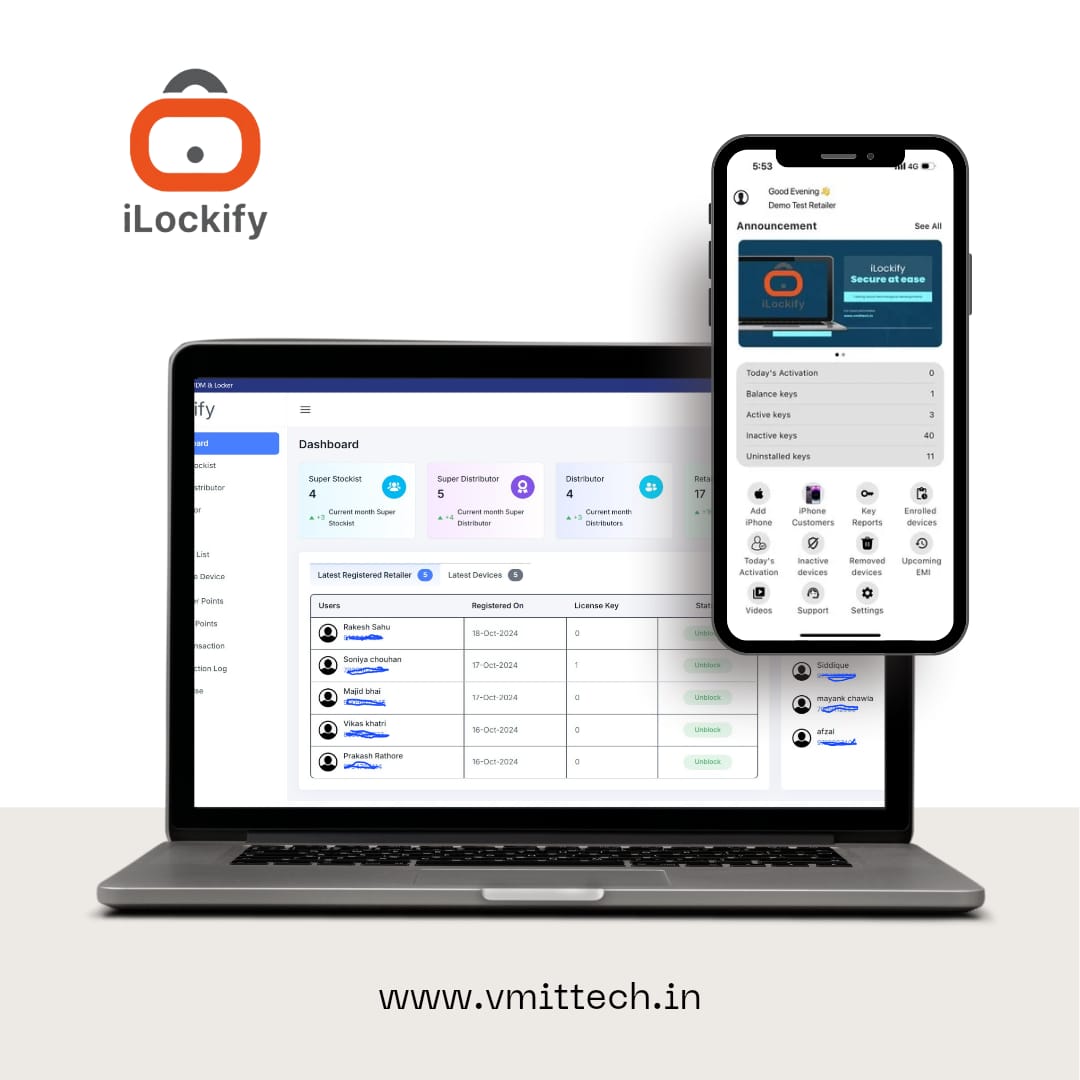
MDM solution for iPhone And iPad devices Management

MDM solution for iPhone And iPad Devices Management

IOS DEVICE MANAGEMENT LIVE
iOS Mobile Device Management
DEVICE STATUS MANAGED
SECURITY PROTECTED

iOS Mobile Device Management Solution

Quickly provision, secure and manage company-owned iOS devices including iPhone, iPad, and iPad Pro.

VMIT MDM for iOS supports varying device use cases across small business, schools and growing enterprises.

01
Small Business Simple device management
02
Schools Secure device environments
03
Enterprise Centralized device control

One centralized environment to provision, secure and manage your iPhone and iPad fleet.

IOS DEVICE MANAGEMENT

Secure & Powerful MDM for iOS Devices

Simplify managing your iPads, iPhones, and other iOS devices with Scalefusion’s comprehensive iOS MDM solution. Protect sensitive data and prevent misuse with our iOS device management.

01 DEVICE CONTROL

Single App Mode

Turn your devices into a kiosk. Lock the iPad, iPod Touch, or iPhone to a single app.

02 APPLICATION CONTROL

Multi App Kiosk Mode

Allow access to the specific set of apps and restrict access to all other apps.

03 WEB SECURITY

Web Filtering

Blacklist/Whitelist specific websites and restrict access to unwanted web content.

04 COMMUNICATION

Email & Exchange Settings

Enable quick access to work email. Push email and exchange settings.

05 CONNECTIVITY

Network Settings

Configure Wi-Fi network, hotspot and data roaming settings.

06 DEVICE VISIBILITY

Location Tracking

Track device location. Create geofences for enhanced monitoring.

07 HARDWARE CONTROL

Disable Hardware Keys

Disable hardware keys such as Volume Buttons and system apps like Camera, Siri, etc.

08 ASSET RECOVERY

Lost Mode

Recover lost assets using Lost Mode without an Apple ID.

09 POLICY CONTROL

Custom Payload

Custom Payload lets you build your own policy using the Apple MDM Protocol.

10 CERTIFICATE

Certificate Management

Push digital certificates for authenticating connections to enterprise Wi-Fi.

11 DATA PROTECTION

Work Data Settings

Prevent data sharing between work apps and personal apps.

12 SOFTWARE MANAGEMENT

iOS Software Updates

On supervised devices, delay OS updates between 30-90 days.

12 CORE MANAGEMENT CAPABILITIES
FLEXIBLE DEVICE OWNERSHIP

iOS MDM Software with Flexible Device Ownership Types

Bring Simplicity, Security and Support to iOS Device Management
01
Employee Owned
PERSONAL DEVICE

Employee-Owned

Ideal when employees use their personal iPhones and iPads for work.
  • Managed Apple ID based Enrollment
  • Ensure Employee Privacy
  • Push Business Apps & Content
  • Prevent copy from work to personal apps
OR
02
Corporate Owned
COMPANY DEVICE

Corporate-Owned

Manage company-owned iPhones and iPads with centralized security and control.
  • Automated device enrollment
  • Centralized device management
  • Push Business Apps & Content
  • Enforce security and device policies
ONE PLATFORM • MULTIPLE OWNERSHIP MODELS
APPLICATION SECURITY 03 / 06
APPLICATION CONTROL SECURE
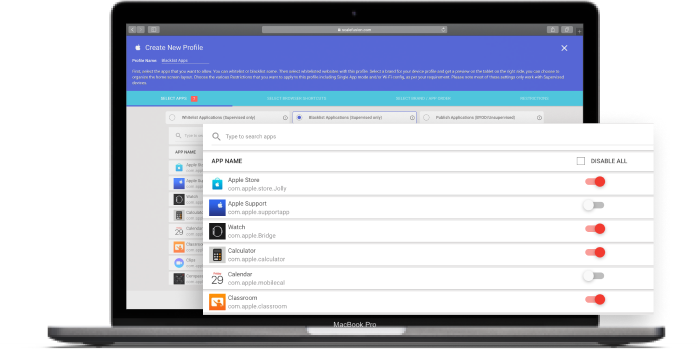
Application Blacklisting
POLICY STATUS ENFORCED
×
RESTRICTED NON-BUSINESS APP
01

Application Blacklisting for Distraction-Free Work

Restrict usage of non-business apps on devices and blacklist applications that do not meet your enterprise security profile.

01
Identify Unwanted applications
02
Restrict Apply enterprise policy
03
Protect Maintain focused work

Keep business devices focused on the applications your organization approves.

IOS DEVICE MANAGEMENT

Complete control from enrollment to retirement.

01

Enrollment and Configuration

Apple Business Manager DEP & QR Code Enrollment

Email Based Enrollment

Azure AD User Enrollment

Wi-Fi & Certificates Restrictions & OS Update

02

Security and Control

Password Policies

Security Settings

Single App Mode

Lock Device

Wipe Device

03

Application Management

VPP Apps

Custom Apps

AppConfig Support

Application Version (Custom Apps Only)

04

End of Life / Retire Devices

Remove Enrollment

Wipe Device

VMIT DEVICE MANAGEMENT ● ONLINE
APPLICATIONS Business Apps
12 APPS
A
Business Portal Managed Application
Installed
C
CRM Mobile Enterprise Application
Installed
F
Field Service Managed Application
Updating
S
Secure Workspace Enterprise Application
Installed
Deployment Progress 92%
DEPLOYMENT POLICY APPLIED
REMOTE ACTION APP PUSHED
APPLICATION DELIVERY

Apps for Your Business, Delivered With Ease.

Enable your workforce with relevant business apps on iOS devices using robust device management. Install, configure, or uninstall applications directly from the VMIT MDM dashboard.

01
Choose Select the applications your workforce needs.
02
Configure Apply enterprise settings and app policies.
03
Deploy Push applications directly to managed devices.
A
Apple App Store Select, configure and push applications.
V
Apple VPP Drive bulk application publishing.
V
VMIT Enterprise Store Deploy private IPA applications.
APPLICATION MANAGEMENT

Complete control over business applications.

Manage how applications are configured, deployed, installed and made available across your managed iOS devices.

VMIT APPLICATION CONTROL
ALL SYSTEMS OPERATIONAL
01
App Configurations
CONFIGURATION

App Configurations

Select, configure and push applications from the App Store.

02
Installation Status
DEPLOYMENT

Installation Status

Drive bulk app publishing using Apple Volume Purchase Program (VPP).

03
Silent Installation
AUTOMATED DEPLOYMENT

Silent Installation

Install private apps by uploading PList link or IPA file.

04
App Catalog
USER ACCESS

App Catalog

Give control to users and allow them to install apps on the devices when they want to.